Subscription Renewal for KIP
Each KIP beacon is tied to an annual subscription. This page explains how to check your subscription status and renew it from Alpik Pro.
Checking your subscription status
Navigate to Paramètres → Abonnement to see the status of your KIP subscription.
Expired subscription
If your subscription has lapsed, the page shows an Abonnement expiré (Subscription expired) banner with the expiration date, along with a preview of the corresponding receipt (the actual amount billed may vary depending on your contract).
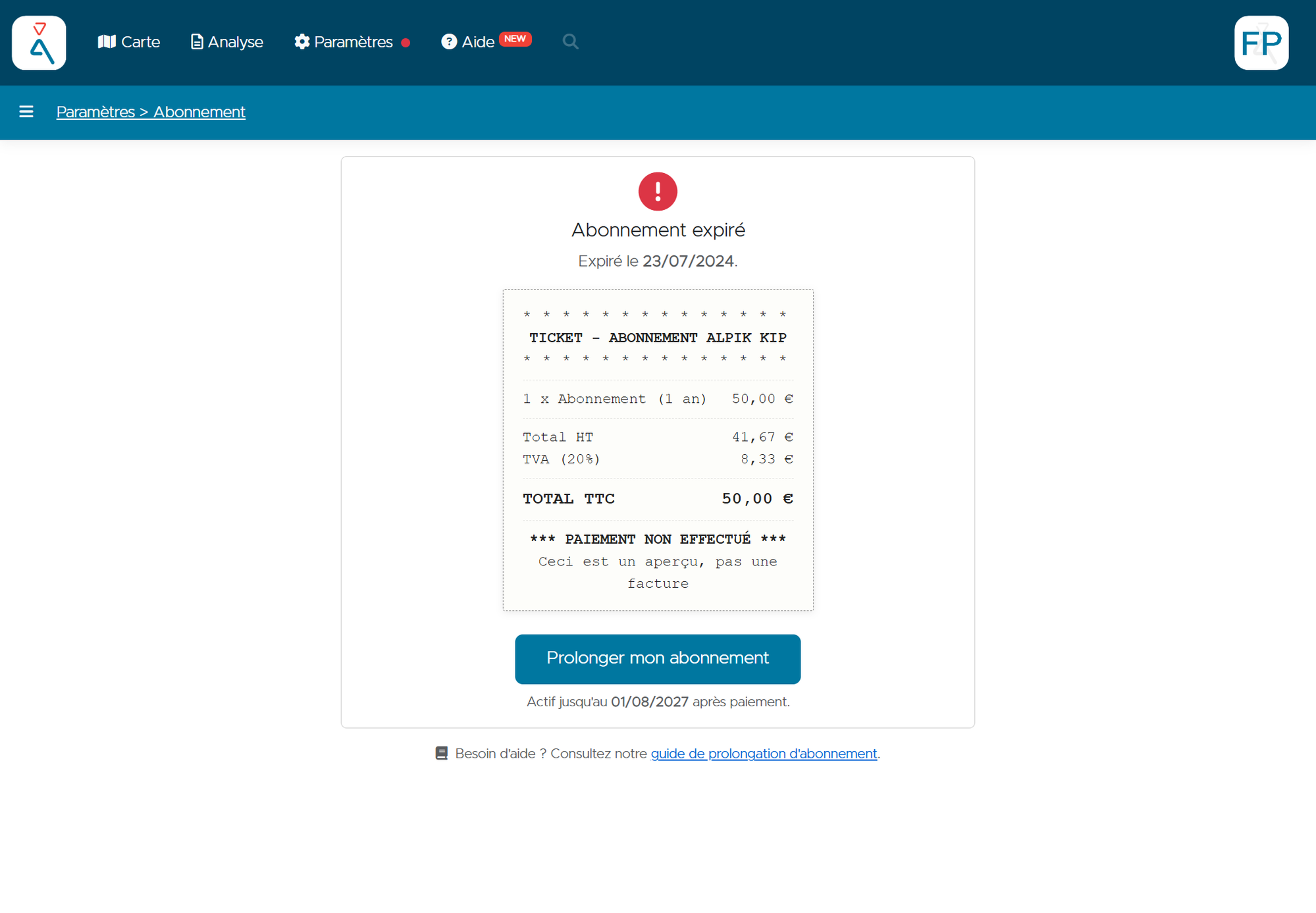
The beacon remains registered to your account, but its tracking is no longer guaranteed until payment has been made.
Renewing your subscription
- Click the Prolonger mon abonnement (Extend my subscription) button.
- You are redirected to the secure payment page, operated by Mollie.
- Enter your card details (number, expiration date, security code) and the name on the card.
- Click Payer par carte (Pay by card).
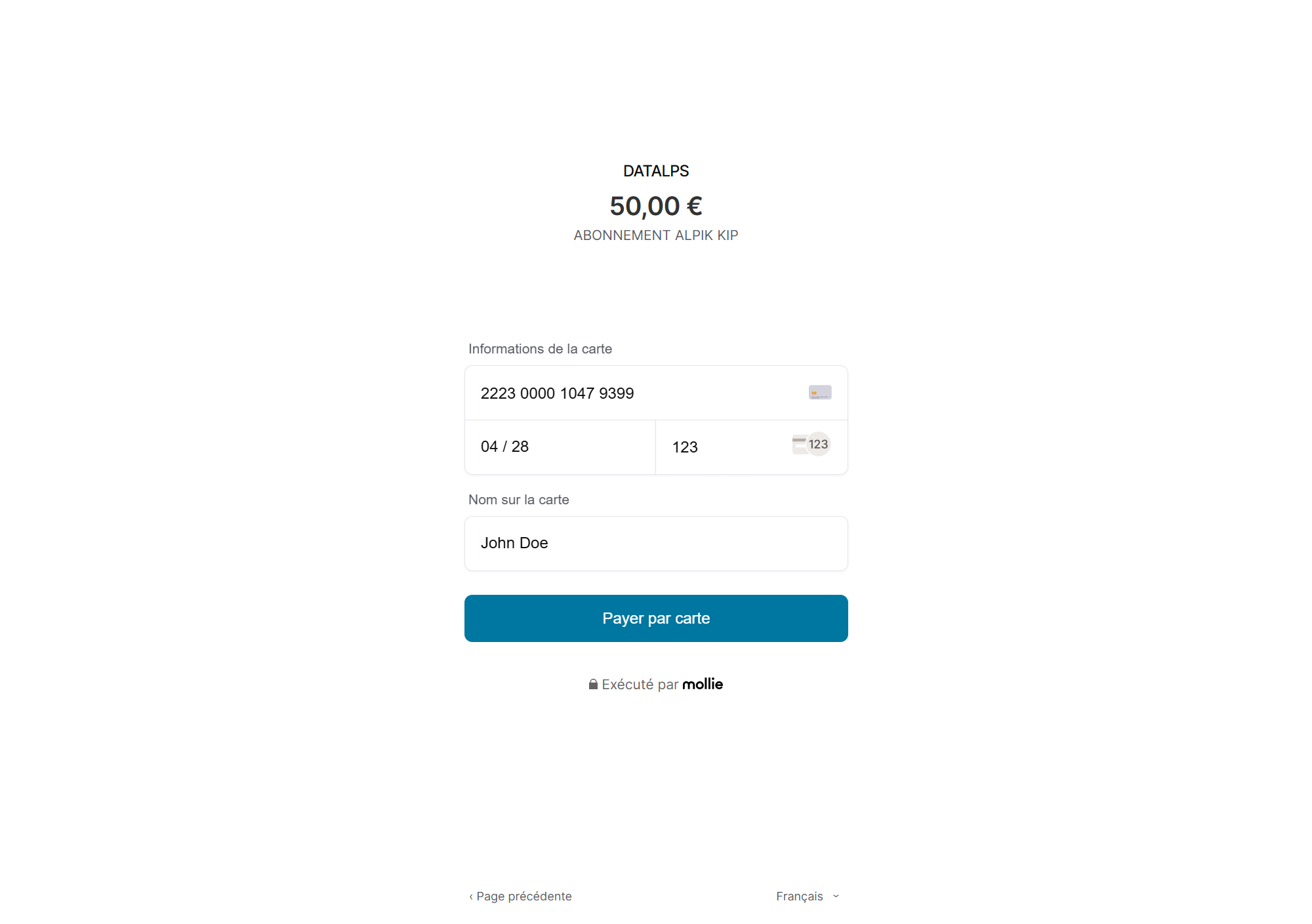
Payment is processed by Mollie, a third-party payment provider. Alpik does not store any card information.
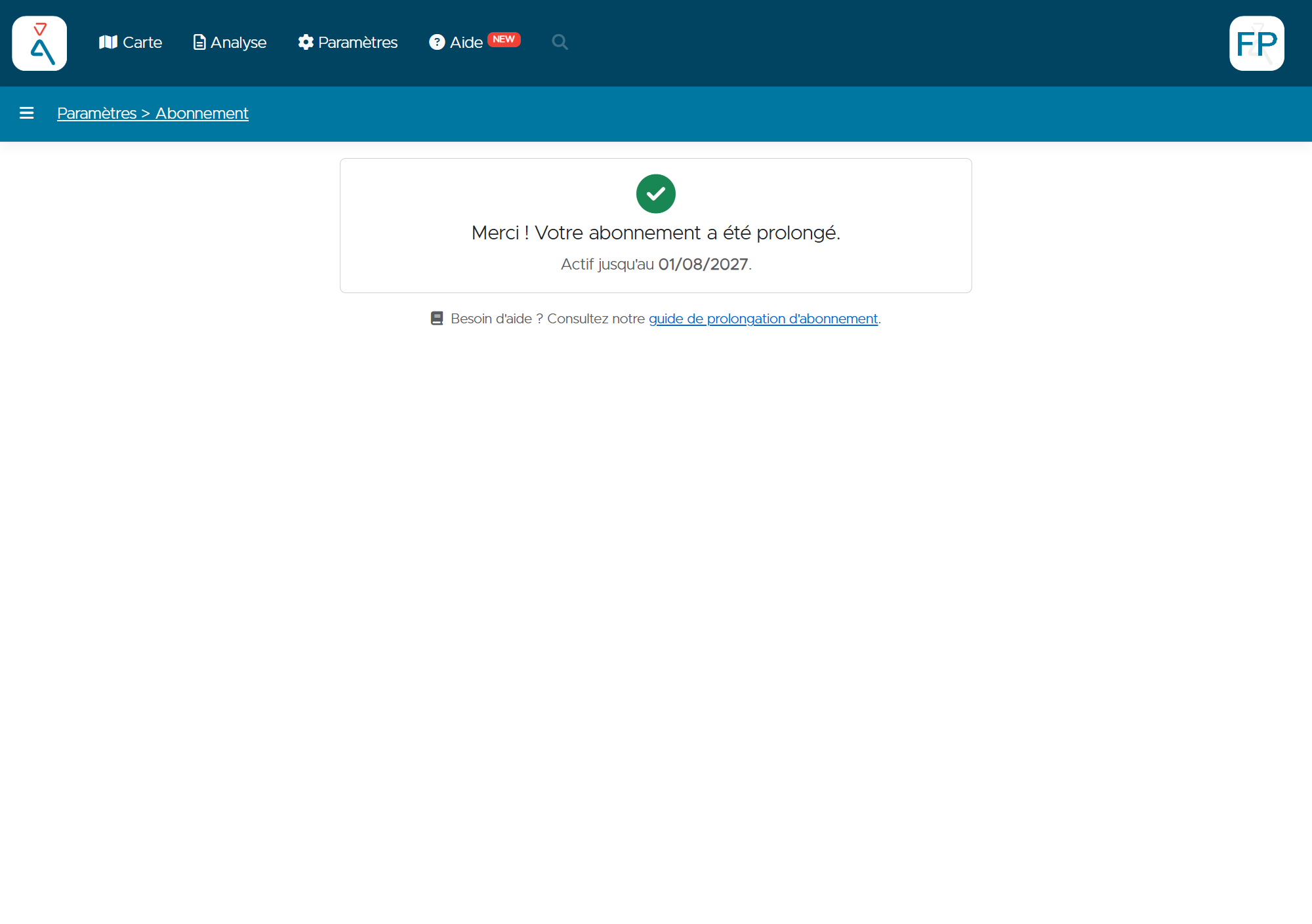
Once the payment is confirmed, a confirmation message is displayed and your new expiration date is shown.
Renewing a subscription that is still active
You don't need to wait for your subscription to expire before renewing it. Even while it's active, the Prolonger mon abonnement button remains available on the Paramètres → Abonnement page.
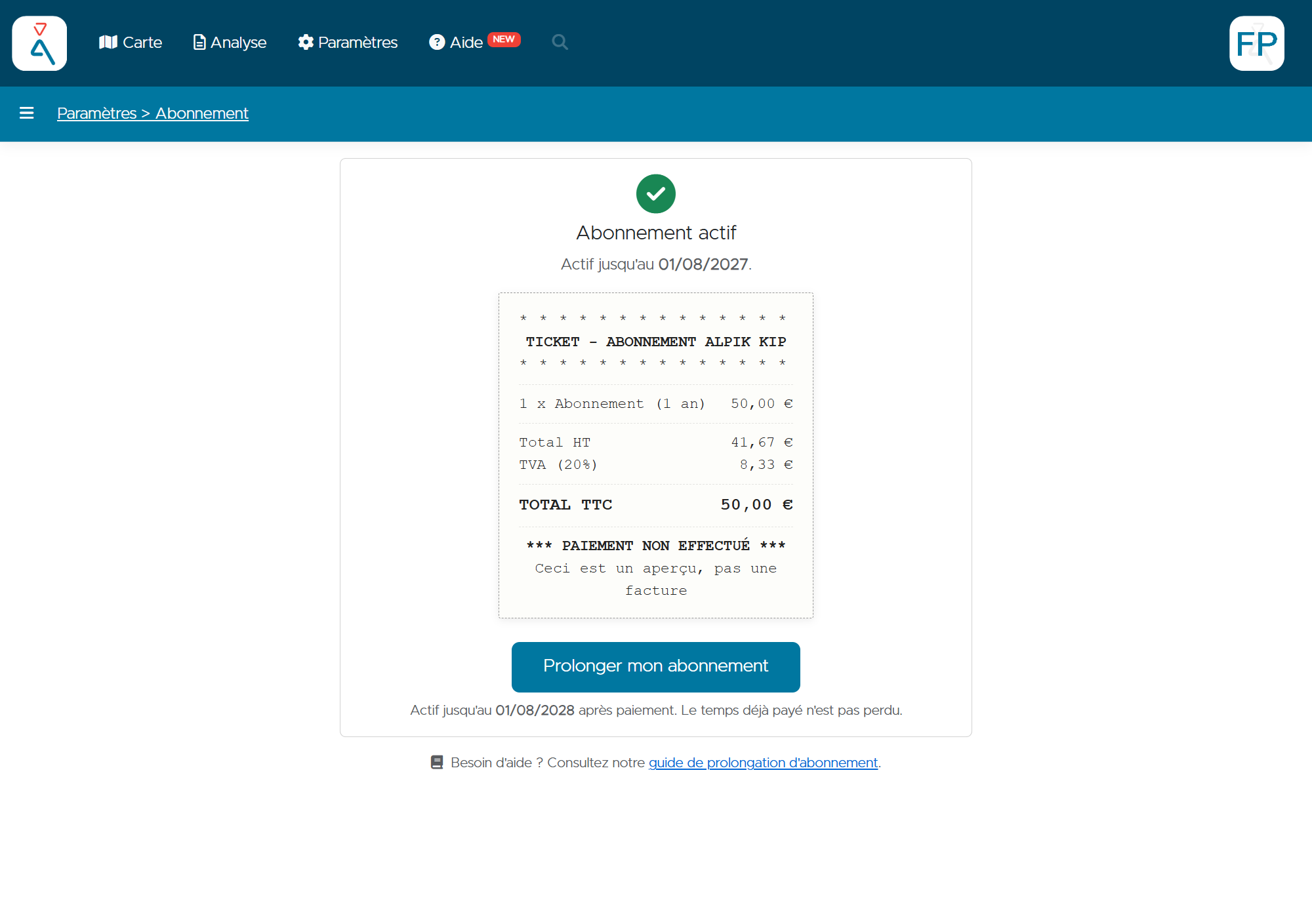
Renewing an active subscription adds the new period to the existing expiration date — it does not replace it. You can therefore renew ahead of time without losing any time you've already paid for.
Need help?
Contact contact@alpik.fr for any questions regarding your KIP subscription.